Cheap Models, Hard Tasks
Most agent workflows route every step to the frontier model by default. The bill scales with how chatty the agent gets, even when most steps don't need that brain. Assigning a model class to each step clarifies the task decomposition as much as it cuts the cost, and the routing discipline has limits worth naming before you reach for it.
Your agent processes a customer-support ticket end to end and the run shows up in your usage dashboard at $0.84. You run two thousand of them a day. That's fifty thousand dollars a month on a workflow you priced into the product at five cents a ticket.
You go through the trace and find fourteen LLM calls in that run, all of them on Opus:
- Six were checking whether the customer's message contained the word "refund," which a substring match would have answered in microseconds
- Two paid Opus to rephrase the customer's question back to itself before passing the rephrased version to the next step
- One asked Opus to fill in three tool parameters that the schema could have validated for free
- One was the drafted reply, which is the only step in the workflow that actually needs writing with judgment
- Four were Opus doing things that didn't need any model at all
The agent reached for Opus on every step. Going through the trace meant auditing what each call was actually for, step by step. Routing forces you to do that audit up front instead of at month-end.
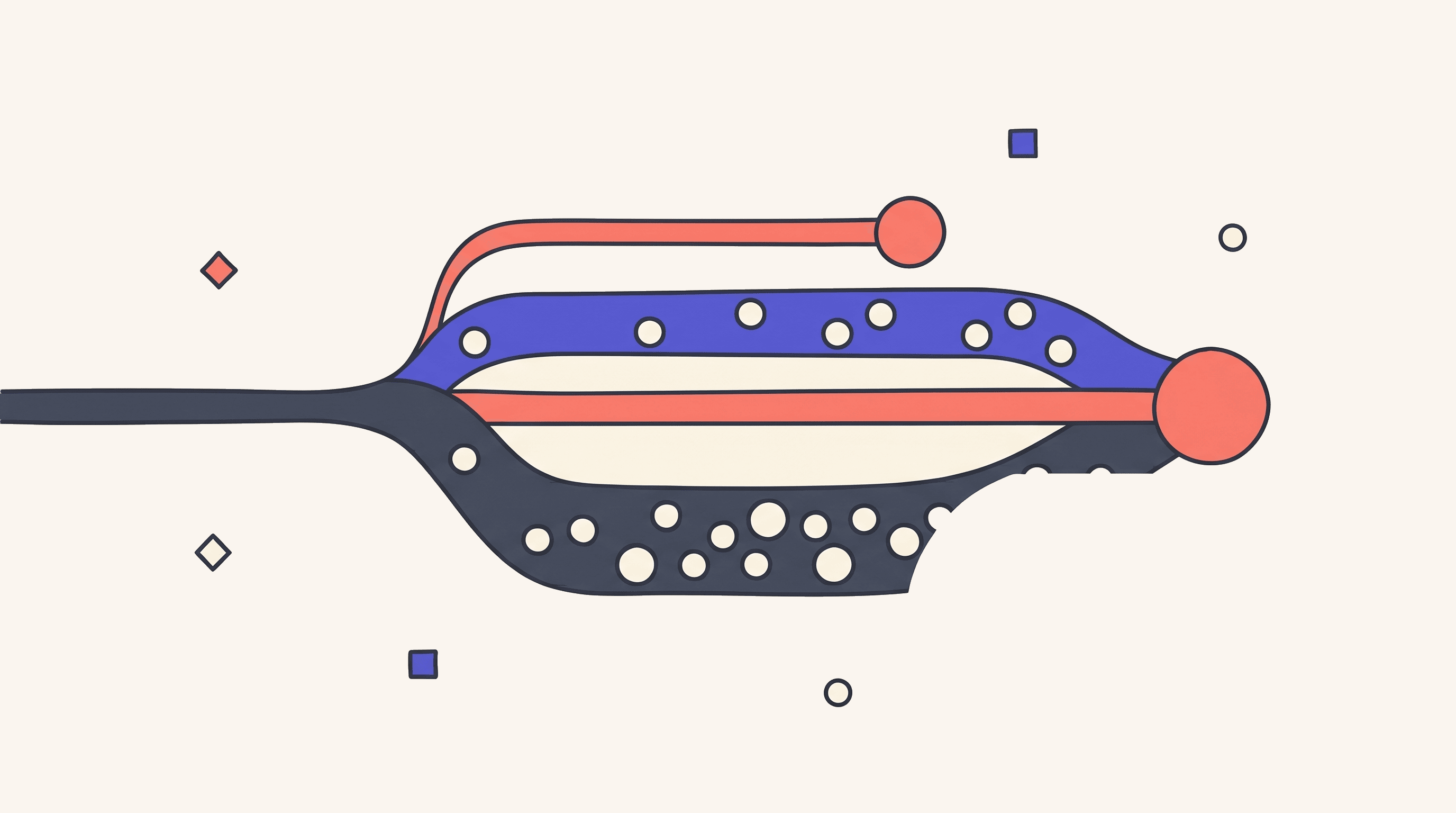
Routing means assigning a model class to each step in the workflow before the agent runs. Three classes cover most of what shows up:
- Code or rules for steps that don't need a model at all. Parsing JSON, checking policy, looking up a customer record by ID. Deterministic work that the system can handle without ever calling an LLM.
- Cheap models like Haiku, GPT-mini, or a small open-source model, for steps that need pattern matching but not judgment. Classifying a ticket's category, extracting entities from a message, summarizing a paragraph, picking which tool to call next from a short menu.
- Frontier models like Opus, Sonnet, or GPT-5.5 for the steps that need reasoning or writing with taste: drafting a reply that has to land, planning a multi-step task, reading code and deciding how to refactor it, synthesizing across many sources.
Most agent workflows have one or two genuine frontier-model steps and a long tail of cheap and deterministic ones. The bill grows because the agent reaches for the same model class for everything.
What Each Step Actually Needs
Before you can assign models, you have to name the steps. A workflow that processes a support ticket might look something like:
- Receive the message and clean it up
- Categorize the ticket (billing, technical, account)
- Extract any IDs, dates, or order numbers
- Look up the customer in the database
- Pull recent activity and prior tickets
- Summarize history for the drafter
- Decide whether the case needs escalation
- Draft a reply
- Check the reply against policy
- Send it, or escalate
Of those ten steps, only one really needs a frontier model: drafting the reply. Four are pure code with no model at all (receive, lookup, pull activity, send), and the other five are good candidates for a cheap model (categorize, extract, summarize, decide escalation, verify policy).
Once you write the workflow down like this, most of the model assignments are obvious. If a step left you unsure which class to use, you probably haven't decided what that step is for yet. Until you know what the step is doing, you can't pick a model for it.
Three Patterns That Show up Often
A planning-then-execution split puts one frontier-model call at the top to decompose the task into a plan, and then runs cheap calls to execute the steps, returning to the frontier model only when a step fails or needs judgment. Claude Code's planning mode and Codex's auto mode are both built around this split. The plan call is small relative to the execution calls, so the total cost stays close to "many cheap calls" rather than "many expensive calls."
A router at the entry point classifies the incoming request and picks the downstream path. A cheap model is enough for the routing decision itself, and the frontier model isn't involved until the chosen path requires it. Most production support agents look like this internally, with a small front-of-funnel call and a different downstream chain per category.
Most people skip the simplest pattern, which is just writing code for the deterministic work. Agents waste real money on JSON parsing, schema validation, regex extraction, and arithmetic, because the LLM call is the path of least resistance and the call usually works. Replacing those calls with the code that should have been there saves money and removes a failure mode where the model misreads its own structured input.
The tooling makes all three patterns easy to set up. Codex's CLI exposes --thinking modes (low, medium, high), so you can run the cheap mode by default and escalate only when a command actually calls for higher reasoning. Claude Code's defaults already split the work along the planning-execution line: Sonnet runs execution, Opus comes in for planning. For per-spawn account selection, Gas Town goes a step further and lets you point Crew workers (the planning and review roles) at your Opus account while Polecats (the discrete-task workers) run on a Sonnet account.
A Worked Example
Take the support-ticket workflow from the opener. Routed properly, the same ten steps look like this:
- Receive message → Code: trim whitespace, normalize line breaks
- Categorize the ticket → Haiku: classify into [billing, technical, account]
- Extract entities → Haiku: pull IDs, dates, order numbers as JSON
- Look up the customer → Code:
SELECT * FROM customers WHERE id = $1 - Pull recent activity → Code:
SELECT ... FROM tickets WHERE customer_id = $1 - Summarize history for the drafter → Haiku: condense recent activity to 5 bullet points
- Decide whether to escalate → Haiku: route by category, sentiment, prior unresolved cases
- Draft the reply → Sonnet: write a reply that addresses the issue, in the right tone
- Check the reply against policy → Haiku: yes/no on compliance, plus reason if no
- Send or escalate → Code: API call to support platform
The original ran fourteen calls at Opus prices, totaling about eighty cents per ticket. The routed version runs six LLM calls (one Sonnet, five Haiku) plus four pure-code steps, for about three cents. The reply quality stays roughly the same, because only the drafted reply needs writing-with-judgment, and that step kept its frontier-model caliber.
The workflow itself changed more than the bill did. In the original, Opus was deciding whether a string contained "refund." When you sat down to assign a model to that step, you noticed it wasn't doing anything a substring match couldn't do, so the routed version doesn't have that step at all. Routing forced the cleanup.
When the Discipline Is the Wrong Reach
Routing pays off when the workflow is going to run many times, when the cost matters, and when the steps are clear enough to be assigned. A few cases where reaching for it is overkill:
- You're still prototyping. A workflow that's going to change every day isn't worth tuning yet. Run everything on the frontier model, confirm it works, and route later when the workflow stops changing.
- You don't have evals for the cheap-model steps. A cheap model that's wrong five percent of the time looks the same in the trace as a frontier model that's right. If you can't measure whether a Haiku categorizer matches an Opus categorizer, you can't tell when routing breaks the workflow. Build the evals before you swap.
- The workflow runs rarely. A weekly internal report that costs four dollars to generate doesn't need routing, because the engineering time to break it apart costs more than the savings.
What You Actually Get Beyond the Cost
Cost savings show up on the bill at month-end, which is why most people start routing in the first place. Something else happens that's harder to put a number on. When you go back to look at the workflow after routing, you understand it better than you did before. Most people don't notice the clarity gain until they try to extend the workflow and find that the path is clearer than they remembered.
Model assignments also record what each step is doing. Six months later, the routing alone tells you that step four is a Haiku categorizer, step seven is a Sonnet drafter, step ten is a code-only send, without anyone having to open the prompts.
The /goal flag, dynamic workflows, Gas Town, and the various agent runtimes that have shipped in the last year are all converging on the same idea: long-running AI work has structure, and the structure is worth making visible. Routing is one of the cleanest tools for making it visible, because the discipline forces the decomposition to be specific. You can't route a vague step.
The cheapest agent in production tends to be the one whose author can explain, step by step, what each call is doing. Routing makes that explanation possible, and the cost savings are the easiest way to spot that someone did the work.
Share